
Bakery menus and price boards
Breads, pastries and coffee on one clean board, with your best bakes drawn by hand.
Free to make and preview, no account. Printing without the watermark is $29 a year per restaurant.
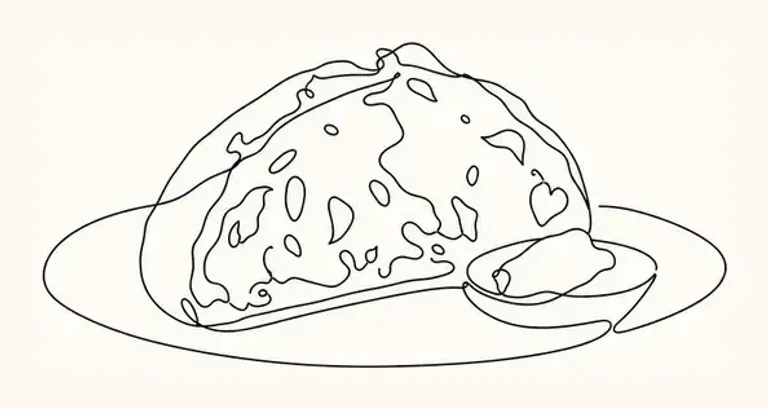
Bread
Pastries
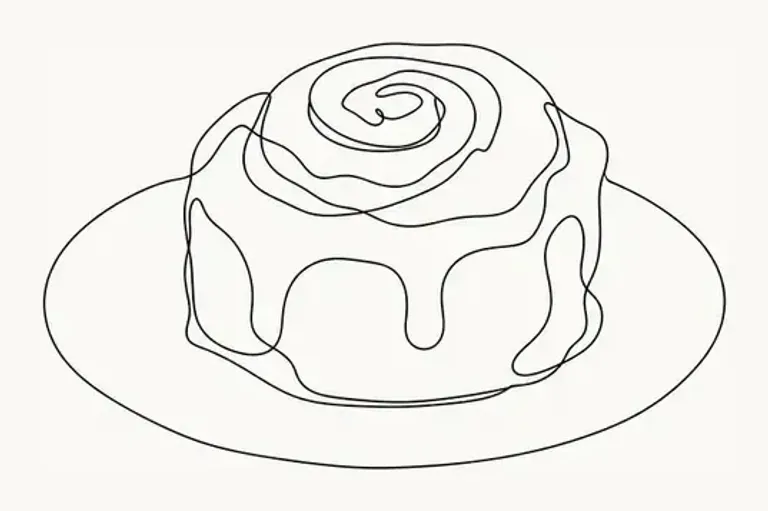
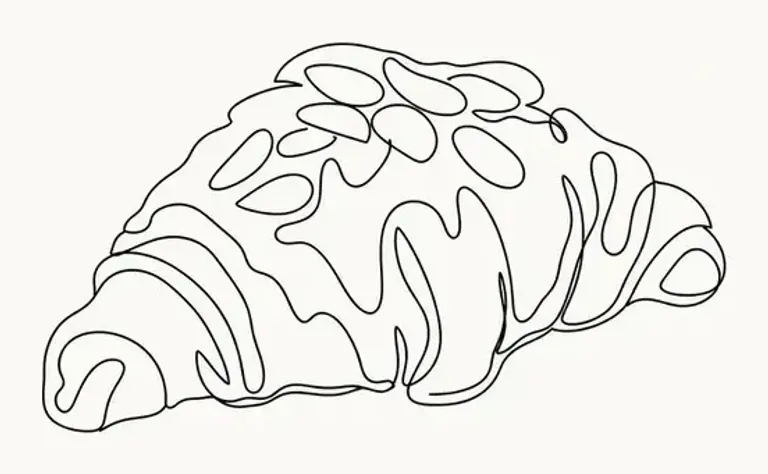
Coffee
How it works
- 1
Snap your menu
Take a photo of the printed menu, choose its PDF, or paste the dishes from Word or Excel.
- 2
Confirm the flagged prices
Anything the reader wasn't sure of, like a sticker over a price, waits for you to confirm it.
- 3
Pick a style and print
Six styles, four formats. Print from your browser or save a PDF for the print shop.
A price board that matches the counter
Bakeries change what's on the counter all the time. Keep everything you bake on the menu and hide what's not out today.
Minimal suits a bright bakery. Star your signature loaf and one or two pastries for pictures.
Bakery tips
- Use wall strips as shelf labels: one item and price per strip.
- Put weights or piece counts in the name, like Sourdough 800 g.
- Put opening hours or pre-order notes in the bottom line.
- Hide seasonal bakes when they're off.
Questions
Can I make shelf labels?
The wall strips format prints one item per 9 × 36 cm strip, which works as a tall label. Smaller label sizes aren't available yet.
Can I list allergens?
Add them to the item's English line or as a note at the bottom. There's no separate allergen field.
What does it cost?
Making and previewing your menu is free, with no account. To print without the watermark, a restaurant pass is $29 (¥3,980 including tax for yen menus) for a year, for every menu, board and poster that restaurant makes.
Will my prices change?
No. Prices are copied as written and set in type, not drawn. Any price the reader isn't sure of is flagged for you to confirm first.