
A chalkboard menu you can print
The hand-lettered blackboard look, with prices you can change by typing, not by wiping and redrawing.
Free to make and preview, no account. Printing without the watermark is $29 a year per restaurant.
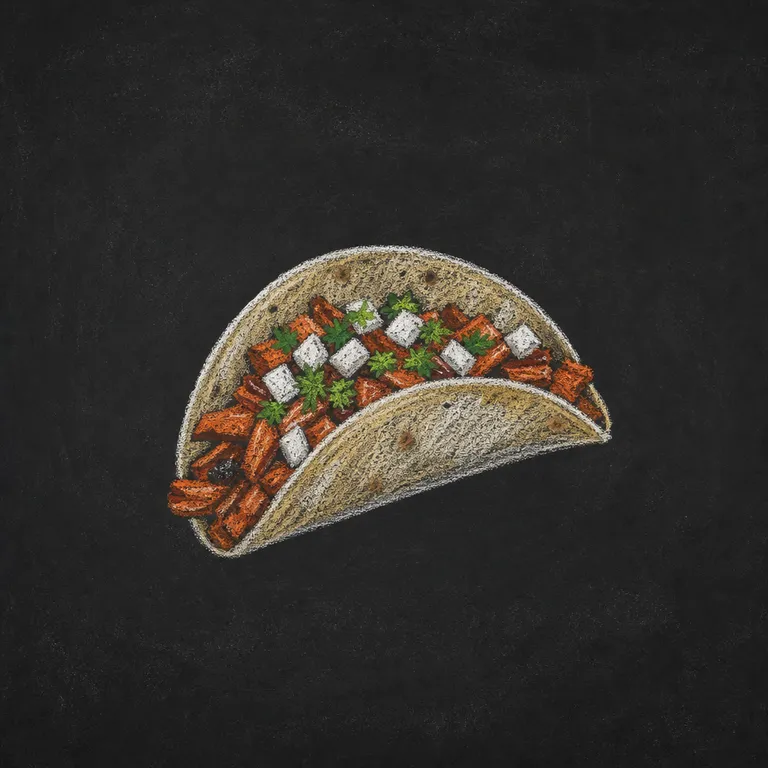
Tacos
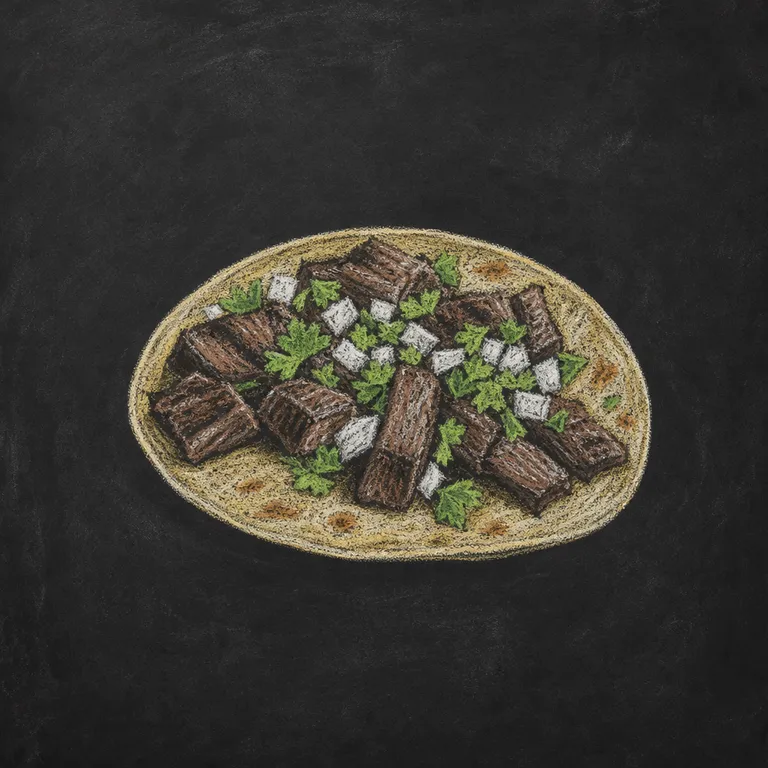
Plates
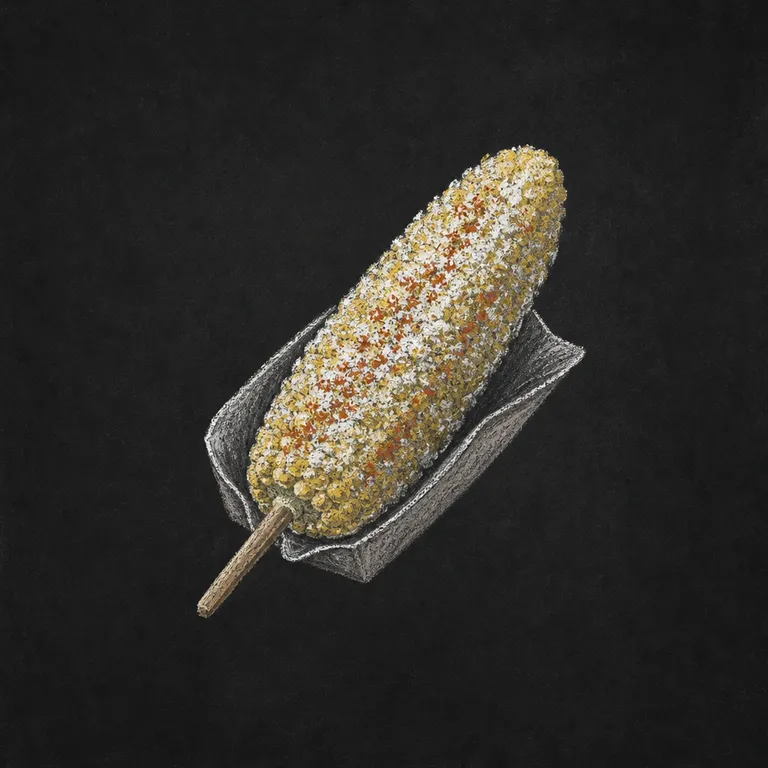
Sides & Drinks
How it works
- 1
Snap your menu
Take a photo of the printed menu, choose its PDF, or paste the dishes from Word or Excel.
- 2
Confirm the flagged prices
Anything the reader wasn't sure of, like a sticker over a price, waits for you to confirm it.
- 3
Pick a style and print
Six styles, four formats. Print from your browser or save a PDF for the print shop.
The look of chalk, the convenience of print
A real chalkboard looks great until the prices change or someone with neat handwriting leaves. The Chalkboard style draws your menu in chalk-style lettering with drawn dishes, and you change it by typing.
Print it A4 for the tables, or as a B2 poster to frame by the door.
Chalkboard tips
- The dark background prints in full, so plain white paper is fine.
- Try its three palettes: charcoal, green slate and brown.
- Frame the B2 poster for an easy wall board.
- Keep the menu short for the most chalkboard-like look.
Questions
Will it use a lot of ink?
A full dark background uses more ink than a light style. For many copies, a print shop is cheaper than a home printer.
Can I write specials by hand?
Leave a blank line by hiding dishes, or print the menu and add specials on a real board beside it.
What does it cost?
Making and previewing your menu is free, with no account. To print without the watermark, a restaurant pass is $29 (¥3,980 including tax for yen menus) for a year, for every menu, board and poster that restaurant makes.
Will my prices change?
No. Prices are copied as written and set in type, not drawn. Any price the reader isn't sure of is flagged for you to confirm first.